Layouts Store
Taskbar Triple View

Immersive Split Layout
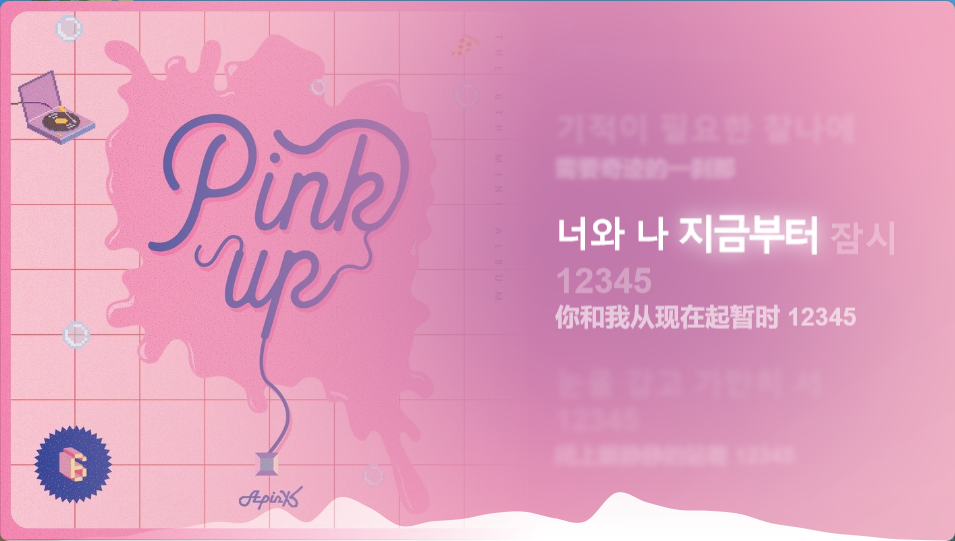
Quick Controls Layout

Installation Guide
TIP
If there is a mutually associated (recommended) layout/mode, to get the best experience, please follow these steps for a complete installation:
- First, download and import the corresponding Mode from the Modes Store, but do not open this mode yet.
- Find the newly imported mode in the Lyrics Window Management, and click its "wrench" icon to enter the configuration panel.
- Switch to the "Layout" section, and import this recommended Layout you just downloaded.
- Manually associate this layout with the mode. At this point, the complete installation is considered finished.
- Click View config file to open the
.jsonfile in a new tab. - Right-click on the page and select Save as... (or use
Ctrl + S) to save it to your computer. - Open BetterLyrics, go to Settings -> Lyrics Window Management -> scroll to the target mode and click the wrench icon to open the configuration panel, switch to the Layout tab, and click Import.